
Work & Travel Times

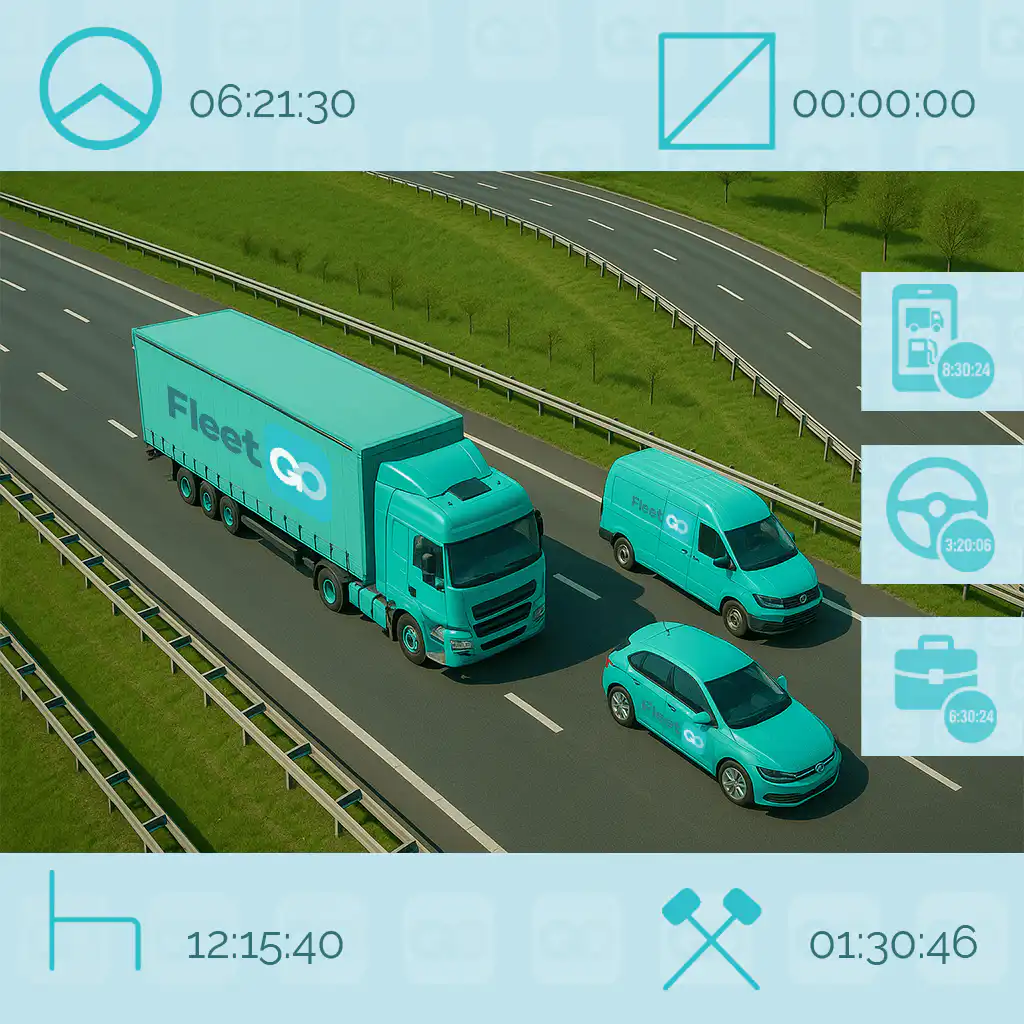
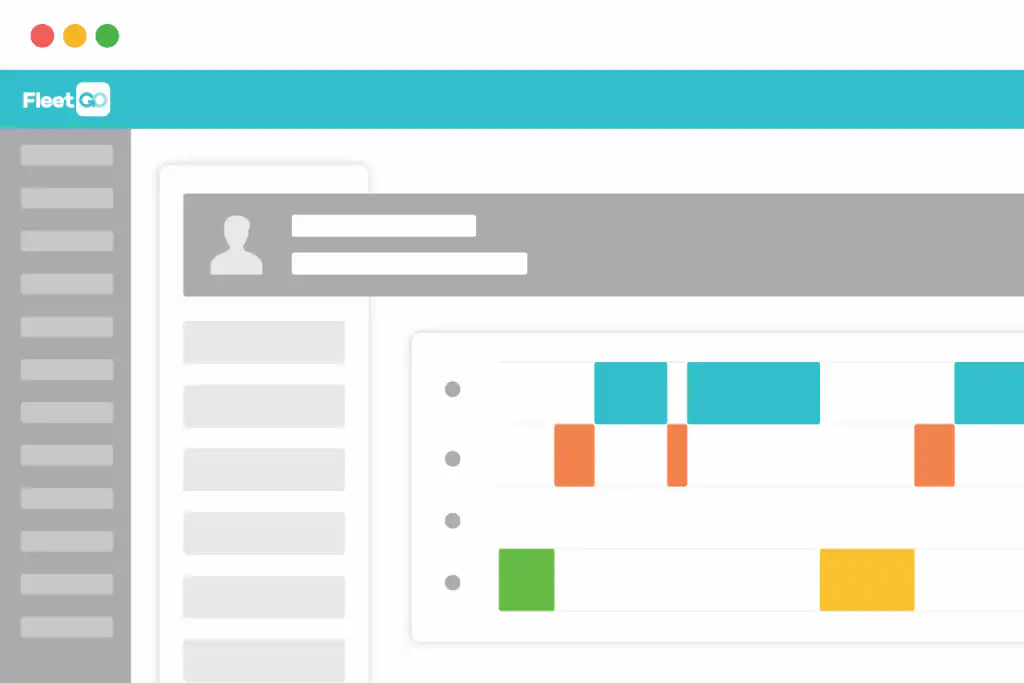
Always be able to have real-time insight into your drivers’ working hours with our Drivers App. Once a driver logs into the App, they can easily select activities such as loading, unloading, waiting, overnight stays, or refueling.

Need any company-specific activities added? No problem – we support that too.
Home / Compliance / Work & Travel Times

Recording hours

There are three ways to record the hours of your employees:
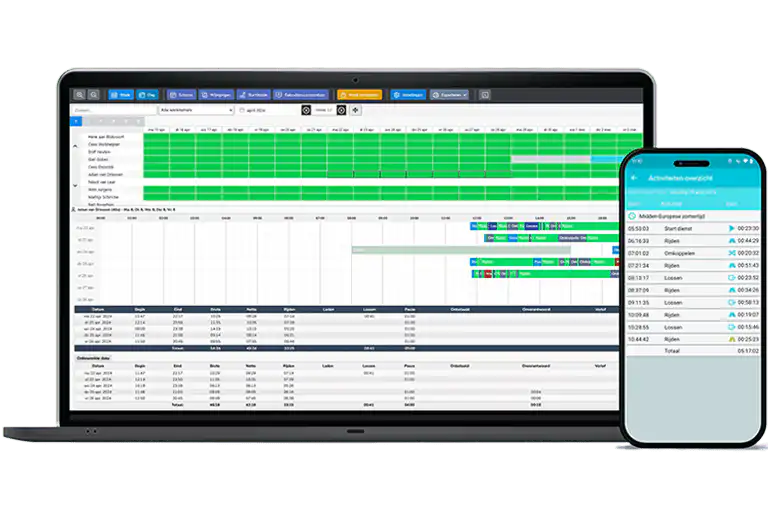
  • With the Drivers App: if the app shows start and end of shift, that interval is the hours worked. In addition, you will see all activities with duration performed in the hours module.
  • Via ride data: the work time starts when the key is turned. What time does the first ride start and the last ride end? Based on that, the hours can be settled.
  • With the tachograph information: working hours are derived from the recorded times from the tachograph.

Compliance with the collective bargaining agreement

Key data is immediately available: gross hours driven, net hours, breaks, loading and unloading times, waiting times and expenses.

Based on these hours, we calculate the absence allowance according to the collective bargaining agreement. In the handy allowances notes, you can easily see which allowances are applied, including rates. Of course, we monitor annual collective bargaining agreement changes and adjust to them immediately.

This is only available for customers located in the Netherlands.

Standards

What makes our solution unique is the ability to link norms to activities. This means you can set a maximum time for an activity. Is an activity likely to take longer?

Then the driver gets a notification to contact scheduling, or an alert is sent automatically. This way you avoid unnecessary loss of time. 

How customers use FleetGO

Make your logistics processes smarter

Discover how FleetGO can help your business grow

TMS integrations

Your transport management system can be integrated to our solution. Order-related data, such as name and address details, loading and cancellation information, are directly visible and integrated into the module. Everything in one overview for efficient fleet management.

Hours report

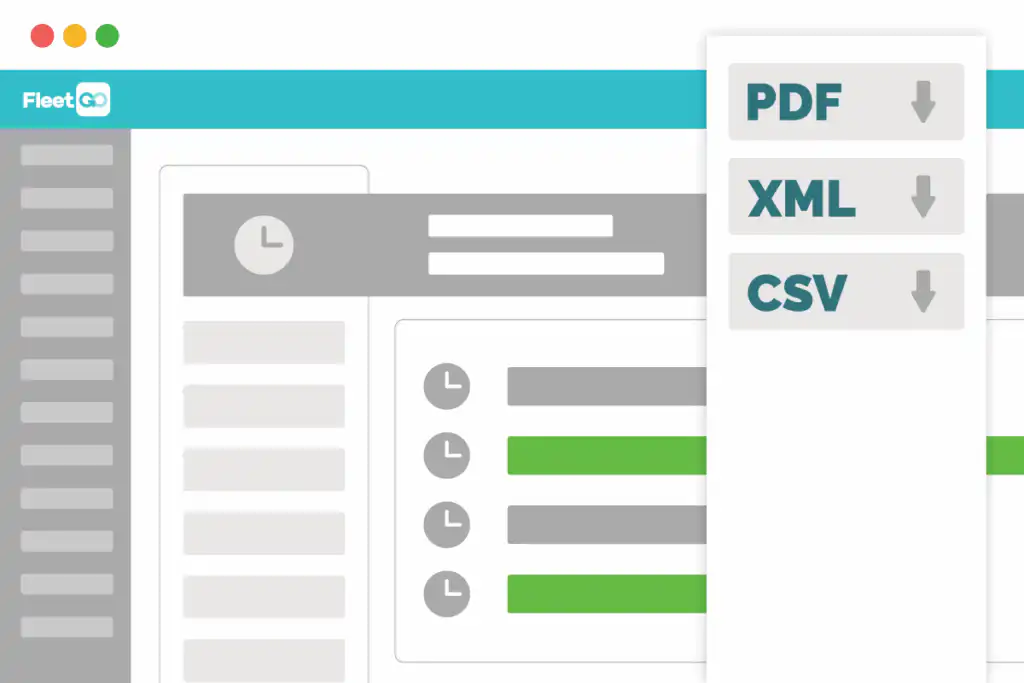
After checking the registered worked hours, you can generate various reports at the touch of a button. This includes weekly summaries, four-weekly reports or monthly reports. For individual employees or for the entire team.

You can send them by email or export them to your payroll package, in formats such as PDF, XML or CSV.

With FleetTime you have everything you need to manage your timekeeping in the most efficient way possible.

Want to know more
about Work and Travel Times?